# Wnmp
**Repository Path**: pigRabbit520/Wnmp
## Basic Information
- **Project Name**: Wnmp
- **Description**: WPF制作的wnmp环境
- **Primary Language**: C#
- **License**: MIT
- **Default Branch**: master
- **Homepage**: None
- **GVP Project**: No
## Statistics
- **Stars**: 28
- **Forks**: 11
- **Created**: 2017-02-11
- **Last Updated**: 2025-08-13
## Categories & Tags
**Categories**: web-service
**Tags**: None
## README
# WNMP Based On WPF(WPF制作的wnmp环境)
[](https://travis-ci.org/slimphp/Slim)
[](https://coveralls.io/r/slimphp/Slim)
[](https://packagist.org/packages/slim/slim)
## Download(集成包下载)
* [下载地址(Nginx)](http://file.51lucy.com/SalamanderWnmp.7z)
* [下载地址(OpenResty)](http://file.51lucy.com/SalamanderWnmp-OpenResty.7z)
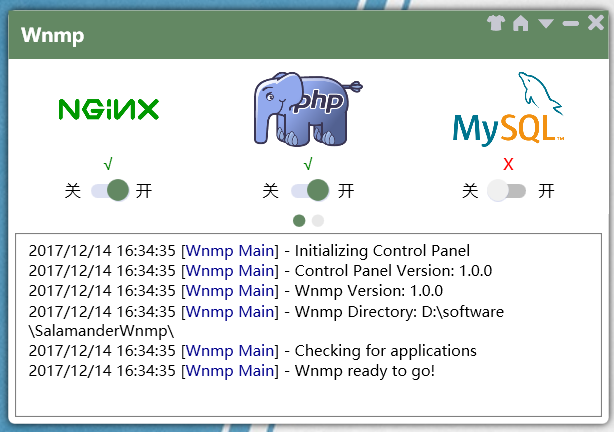
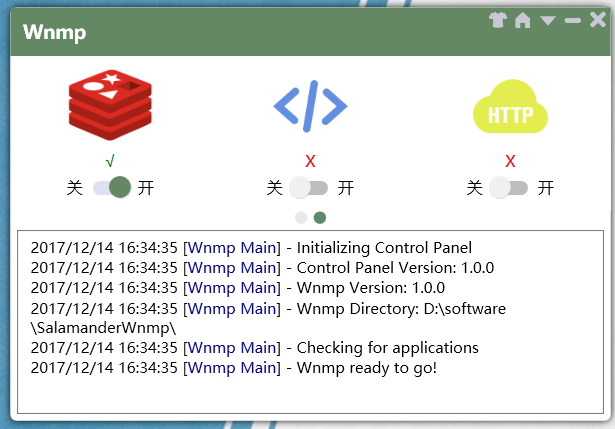
## Main Window(主界面)
## Other Functions(其他功能)
#### Regulaer Settings(常规设置)

#### Theme Color Panel(调色面板)

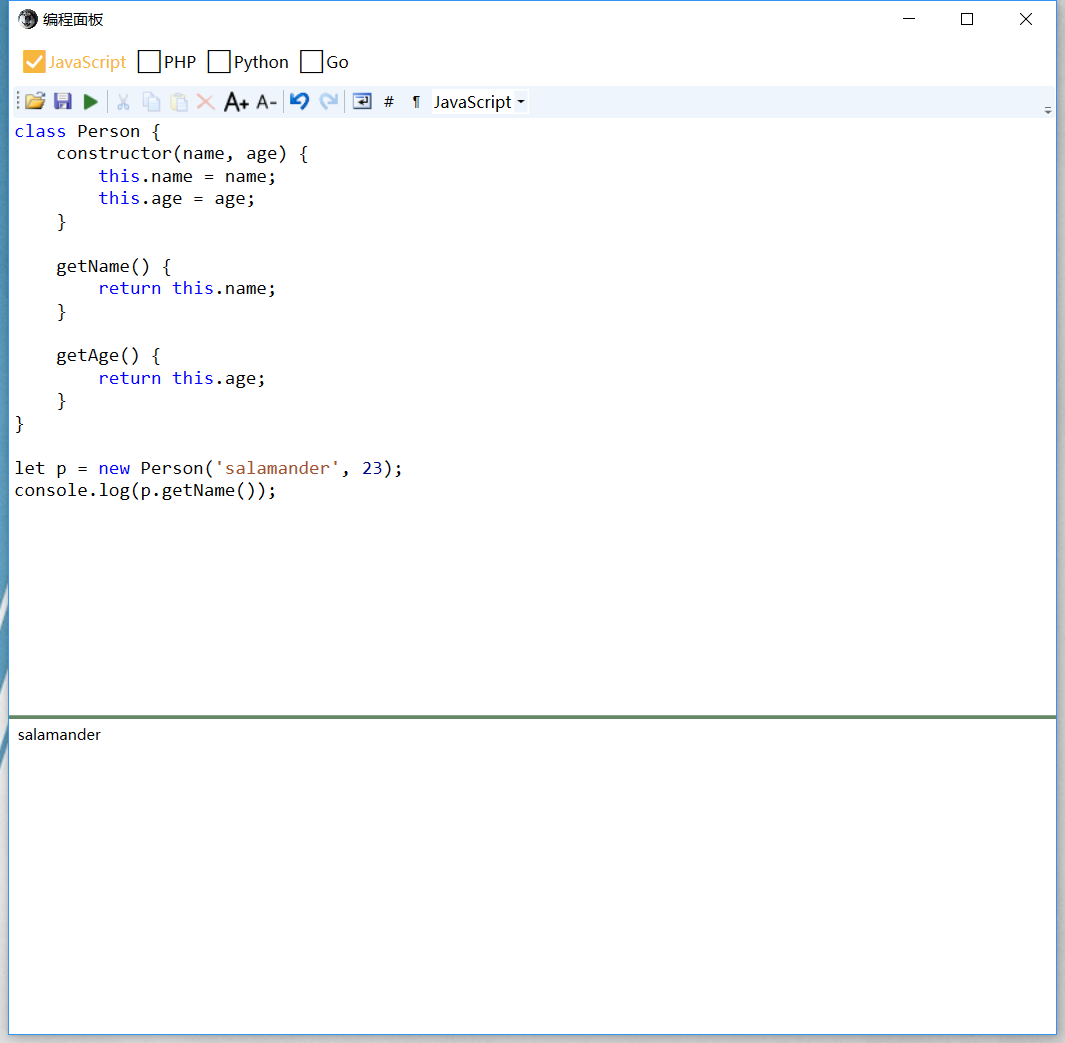
#### Coding Panel(编程面板)
#### Questions Panel(常见问题面板)

## Usage(使用)
下载集成包后,运行SalamanderWnmp.exe(首次运行会自动配置),开启nginx和php,然后在浏览器中输入http://localhost/ 即可看到Hello Salamander!字样,说明配置成功。(使用数据库功能,则打开mysql)
## Notice(注意)
* php 版本为7.1.12 64位版本,需要MSVC14 (Visual C++ 2015)运行库支持,下载:https://download.microsoft.com/download/9/3/F/93FCF1E7-E6A4-478B-96E7-D4B285925B00/vc_redist.x64.exe
* MySQL的默认账户为root,密码为空
## Switch PHP Version(切换PHP版本)
1. 从php官网下载某个版本的PHP,放入你的wnmp目录中(这里假设下载了PHP5.6,可以命名为php5.6)
2. 修改php.ini(这个文件可以从php.ini-development或php.ini-production重命名过来)中extension_dir选项,改为wnmp中php5.6的ext目录的绝对路径(举例:D:/SalamanderWnmp/php5.6/ext),另外顺便把一些扩展也加载进来(去掉前面分号即可)
```
extension=php_bz2.dll
extension=php_curl.dll
extension=php_fileinfo.dll
extension=php_ftp.dll
extension=php_gd2.dll
extension=php_gettext.dll
```
3. wnmp软件修改php目录配置

4. 重启PHP
## Third Party Libraries(第三方库)
* [AvalonEdit](https://github.com/icsharpcode/AvalonEdit)
* [StackExchange.Redis](https://github.com/StackExchange/StackExchange.Redis)
## Contact Me(联系我)
* [Blog](https://blog-cn.51lucy.com/)
* [segmentfault](https://segmentfault.com/u/salamander)
## Sponsor(赞助)
#### 支付宝
 #### 微信支付
