# flutter_study **Repository Path**: juner/flutter_study ## Basic Information - **Project Name**: flutter_study - **Description**: No description available - **Primary Language**: Unknown - **License**: Not specified - **Default Branch**: master - **Homepage**: None - **GVP Project**: No ## Statistics - **Stars**: 0 - **Forks**: 0 - **Created**: 2019-03-26 - **Last Updated**: 2020-12-19 ## Categories & Tags **Categories**: Uncategorized **Tags**: None ## README # flutter_study **Flutter免费教学,自己出的良心免费教程,希望你三天可以自己脱离一切视频搞定flutter。**
1.包括Dart基础
2.包括Flutter基础
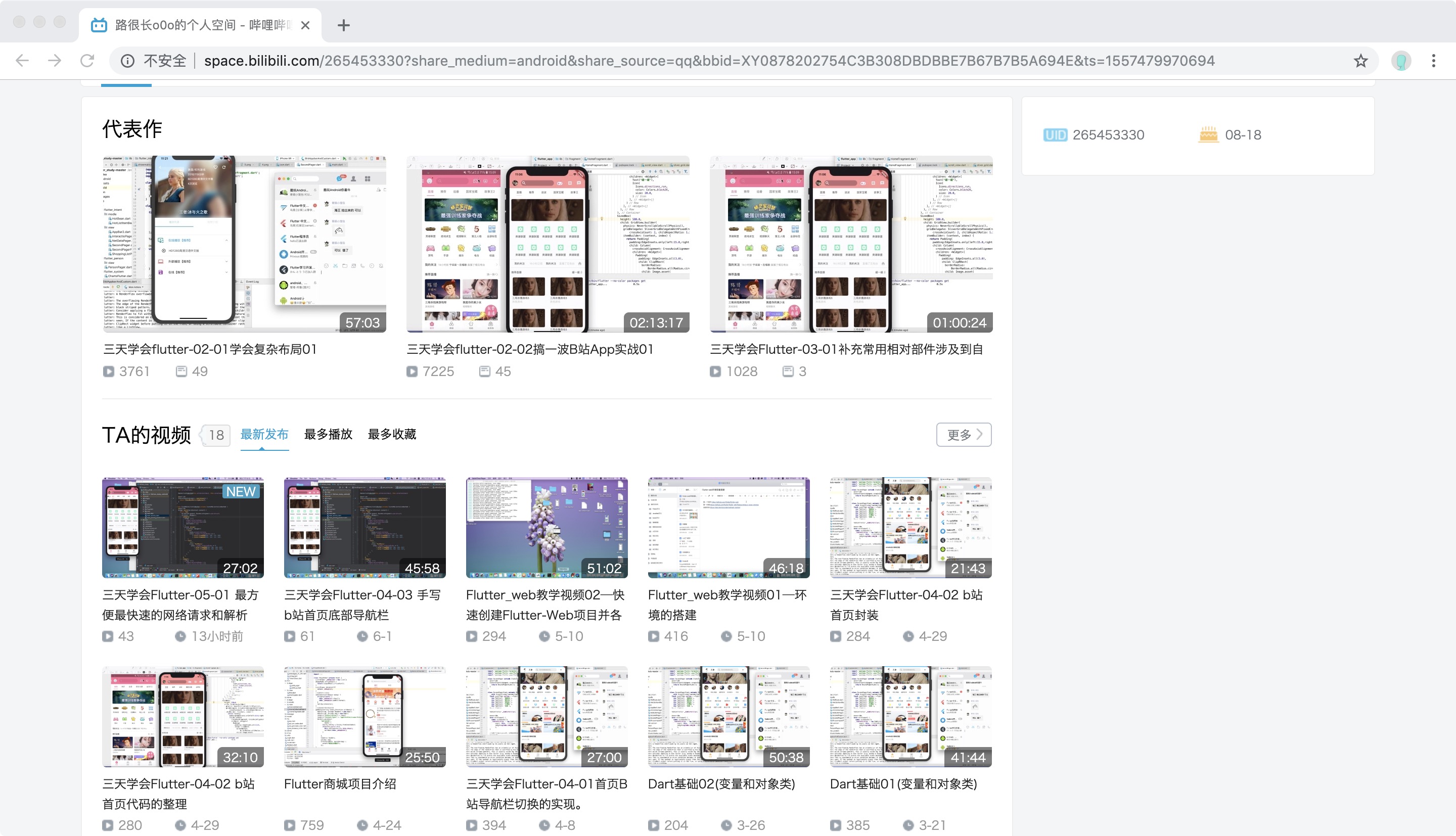
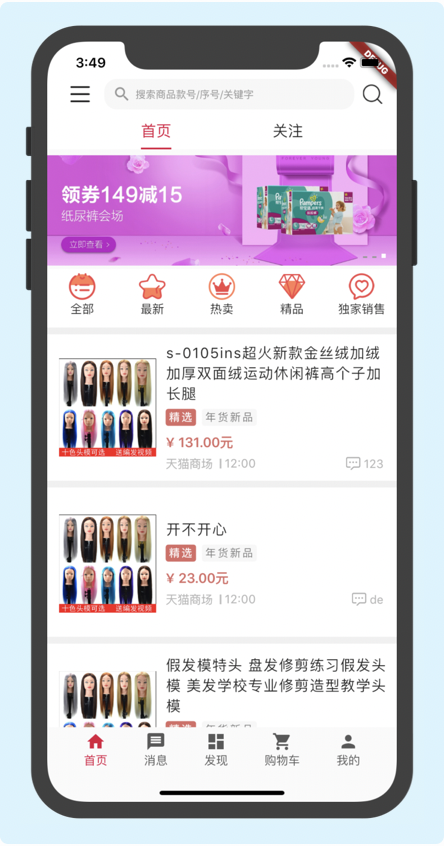
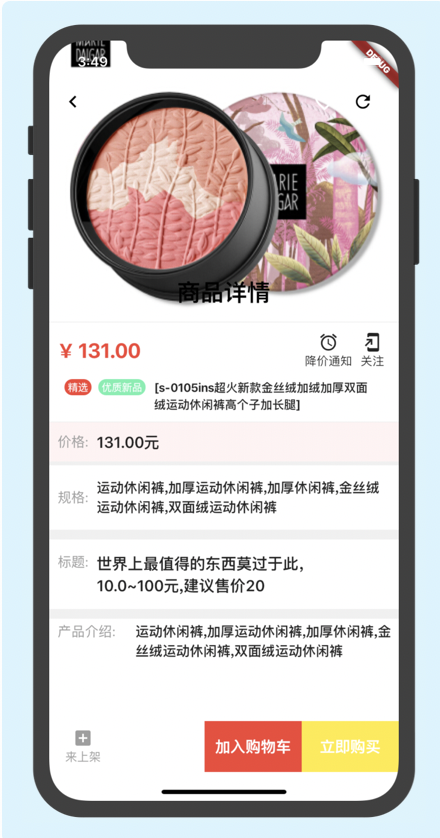
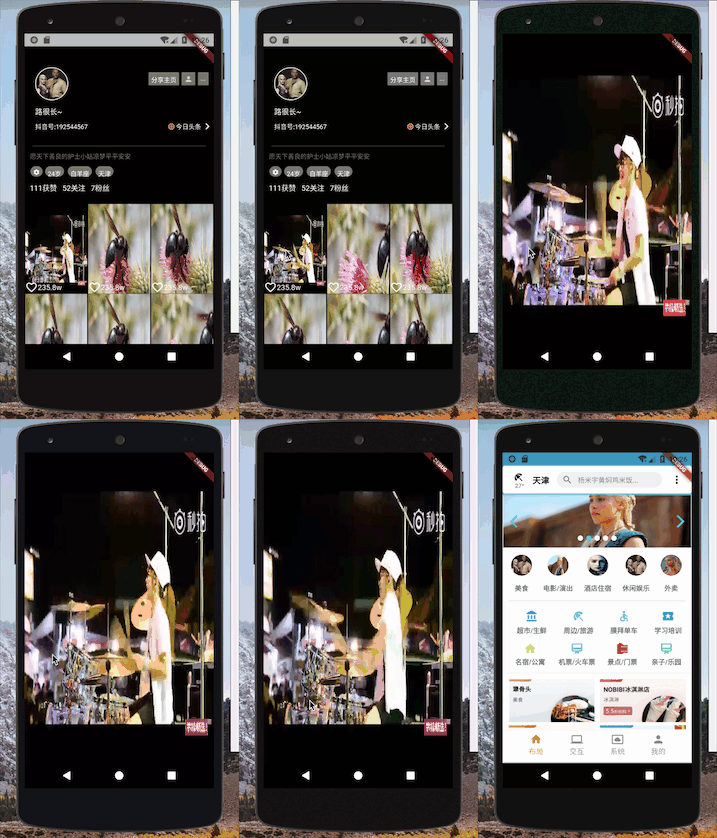
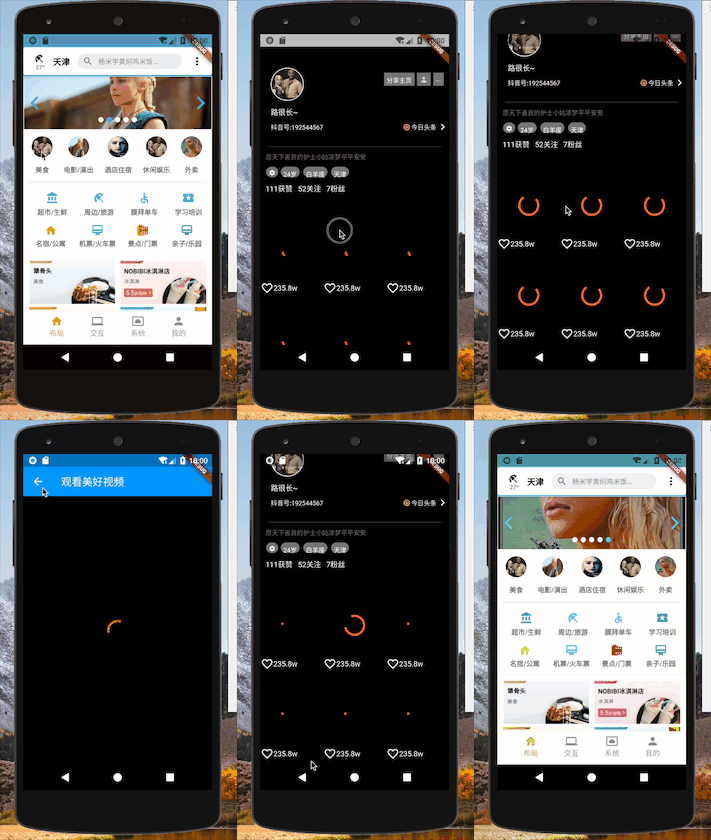
3.用Flutter手写b站App涉及到封装网络请求,全局状态管理,自定义,滑动监听,3d支持和使用,购物车等各种需要的。
[视频地址](http://space.bilibili.com/265453330?share_medium=android&share_source=qq&bbid=XY0878202754C3B308DBDBBE7B67B7B5A694E&ts=1557479970694).
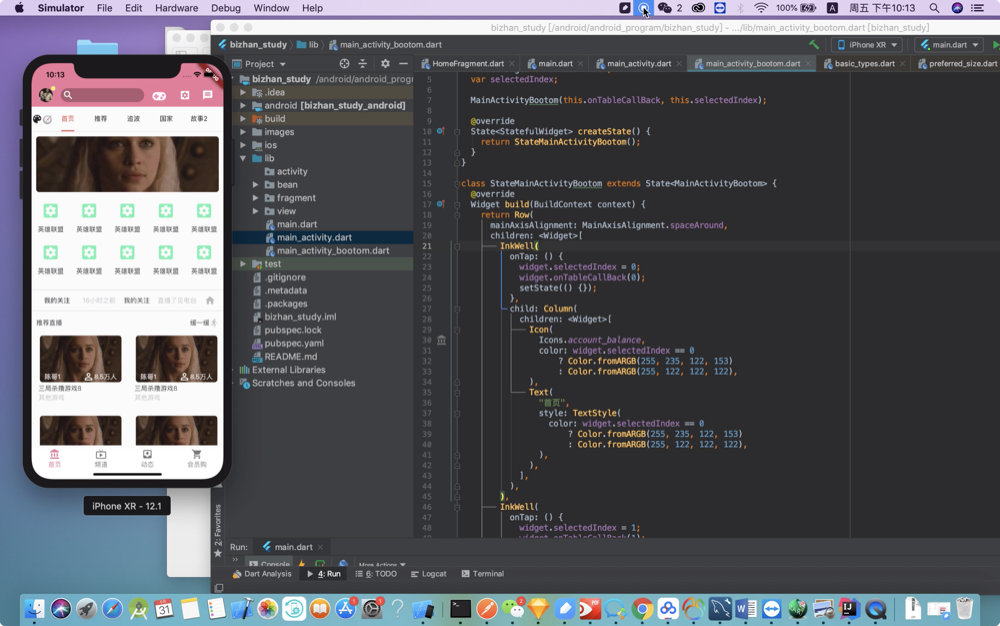
![image](https://github.com/luhenchang/IMAGE/blob/master/img_bizhan/WeChat3d4501c5ea03165d48b5270ac7944463.png?raw=true)!
![image](https://github.com/luhenchang/IMAGE/blob/master/img_bizhan/appbizhan.jpg?raw=true)!
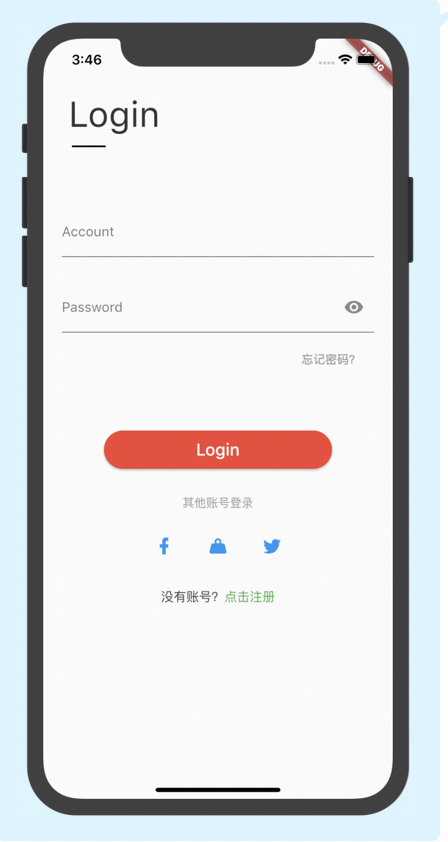
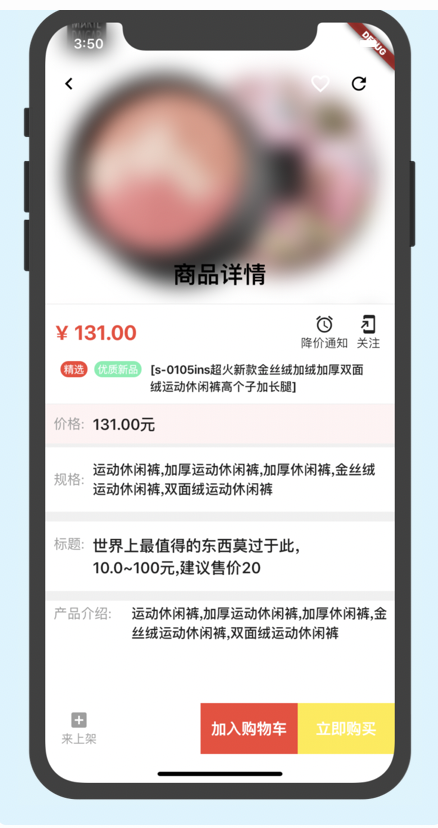
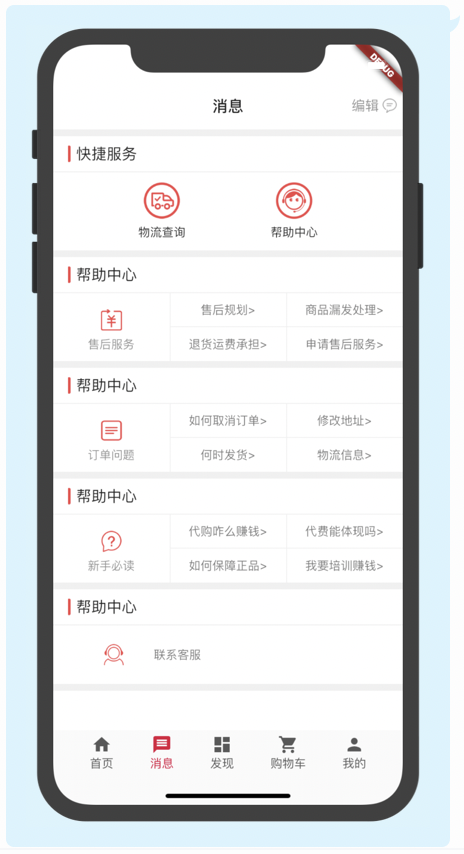
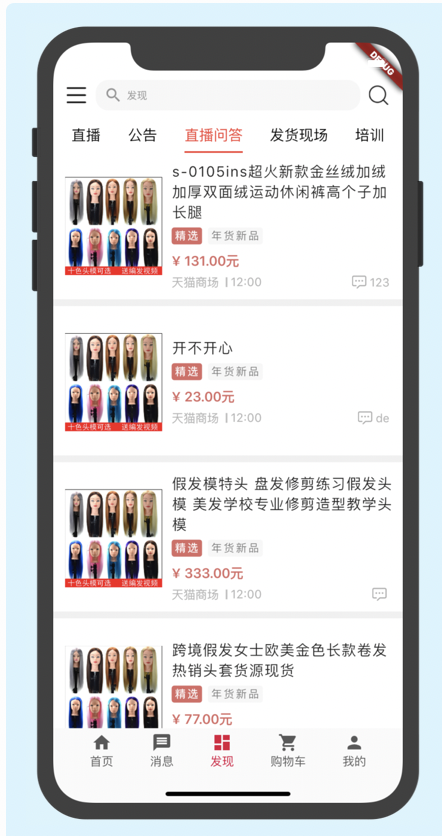
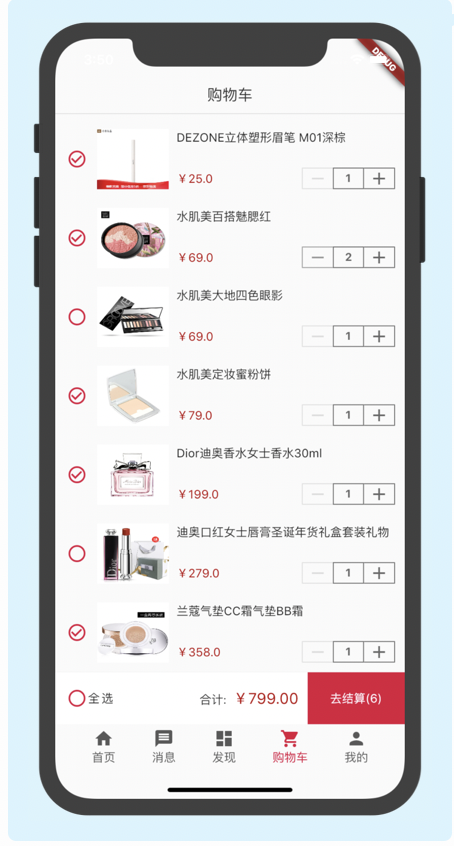
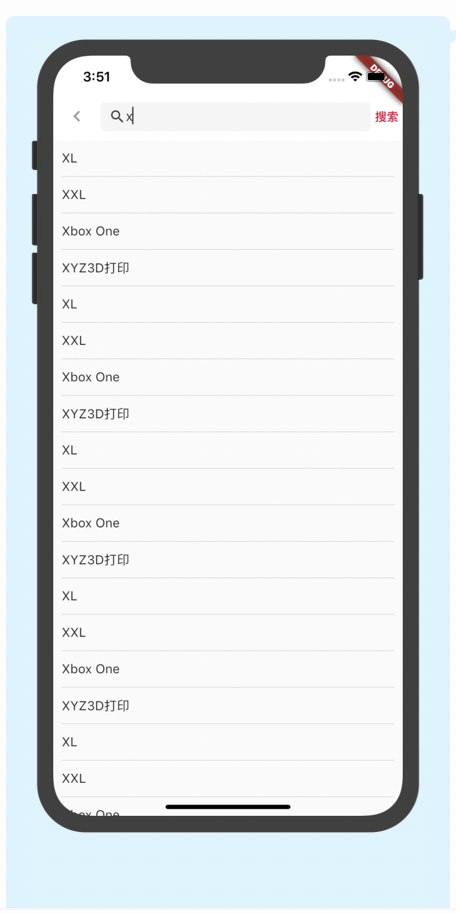
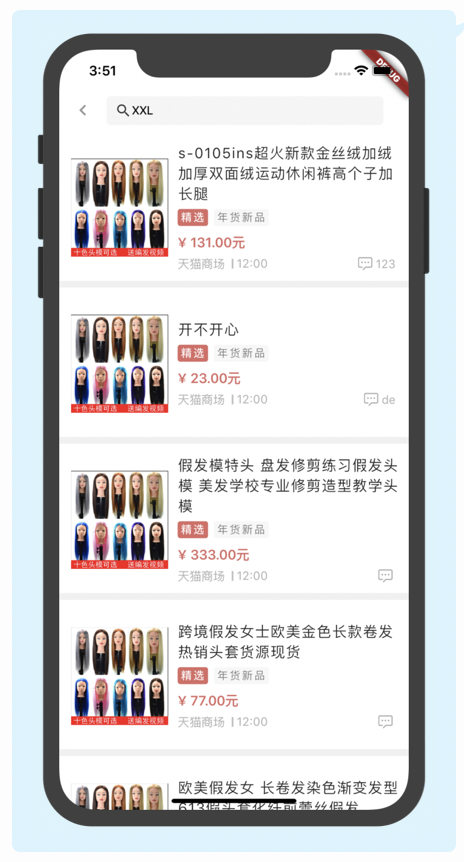
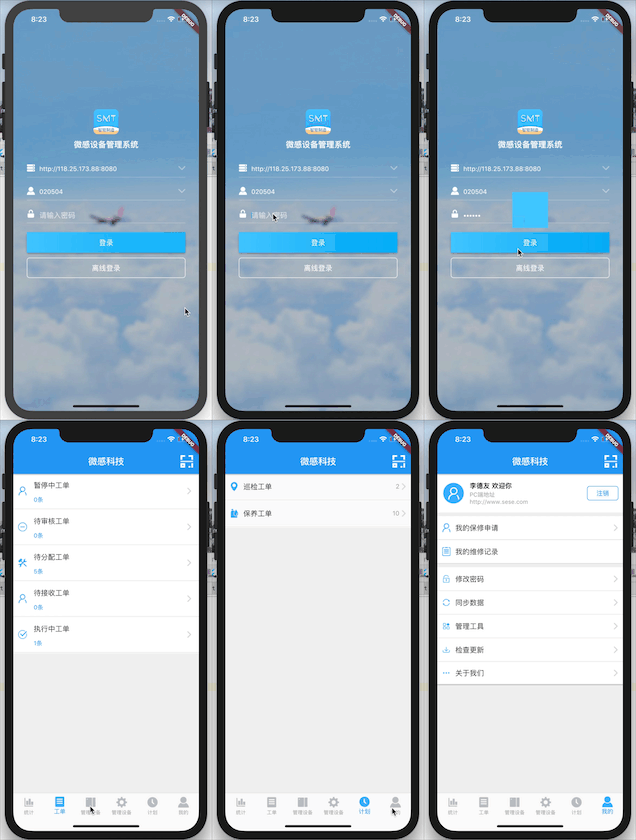
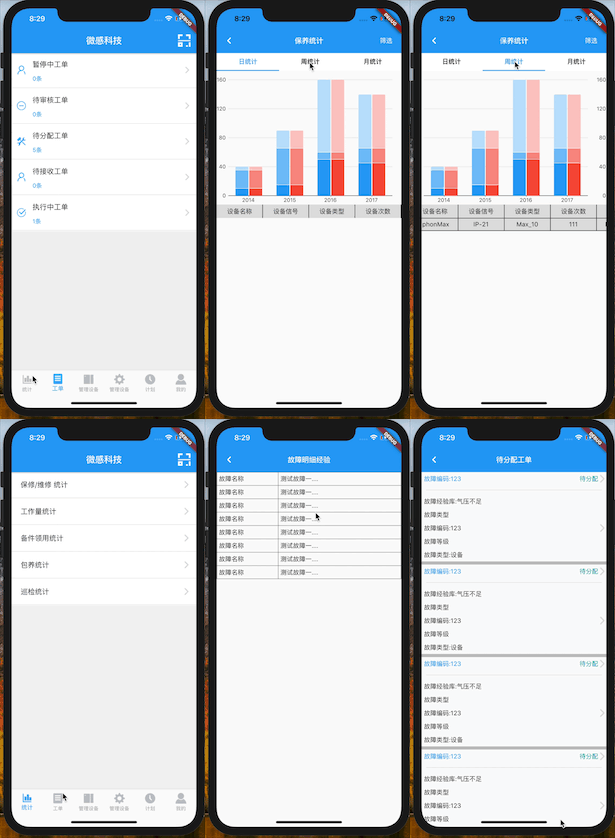
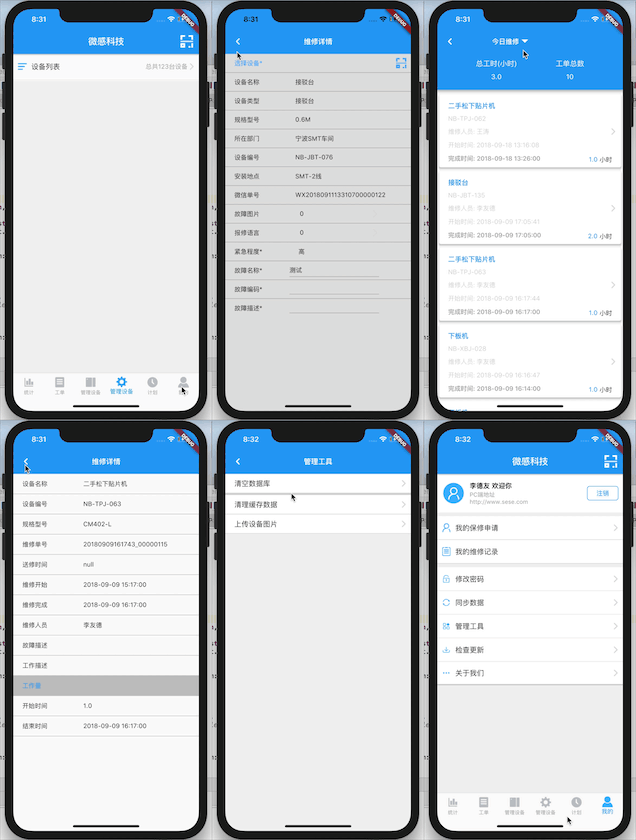
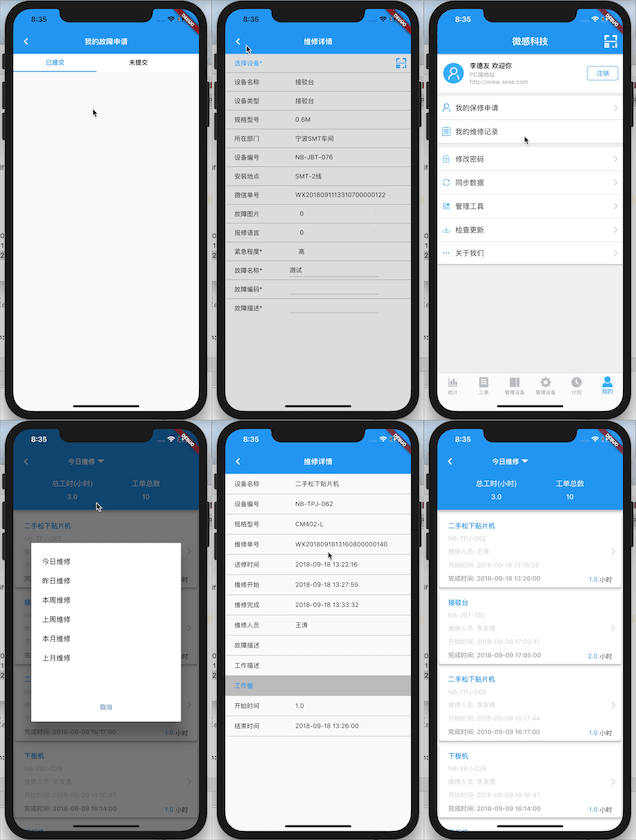
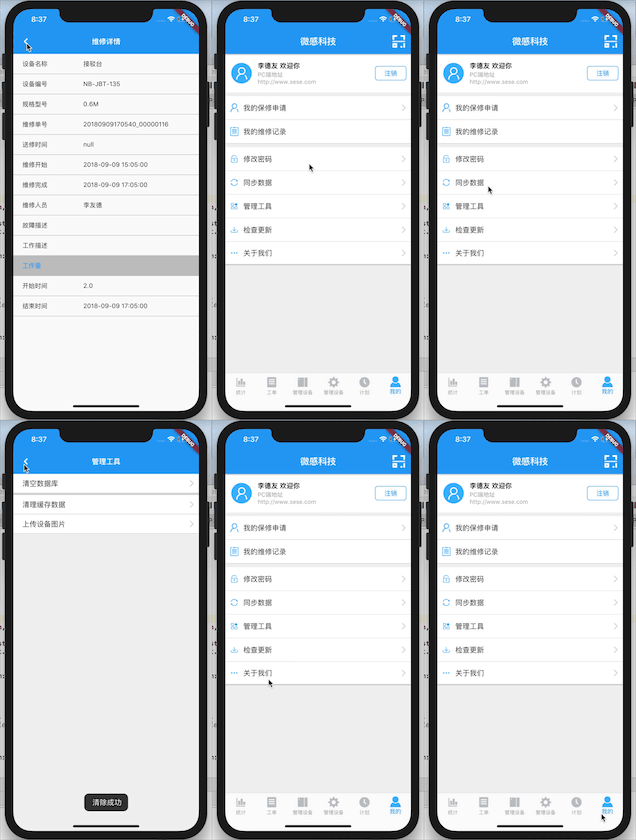
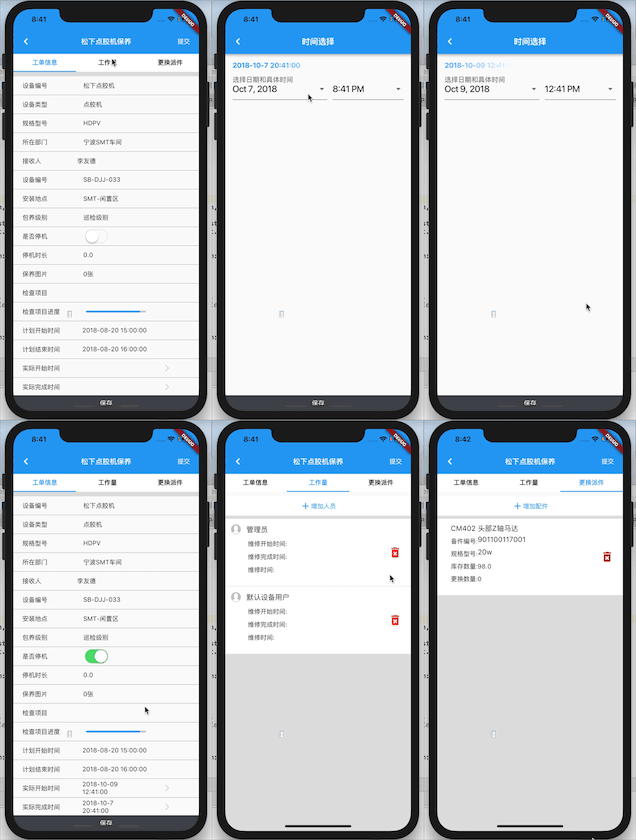
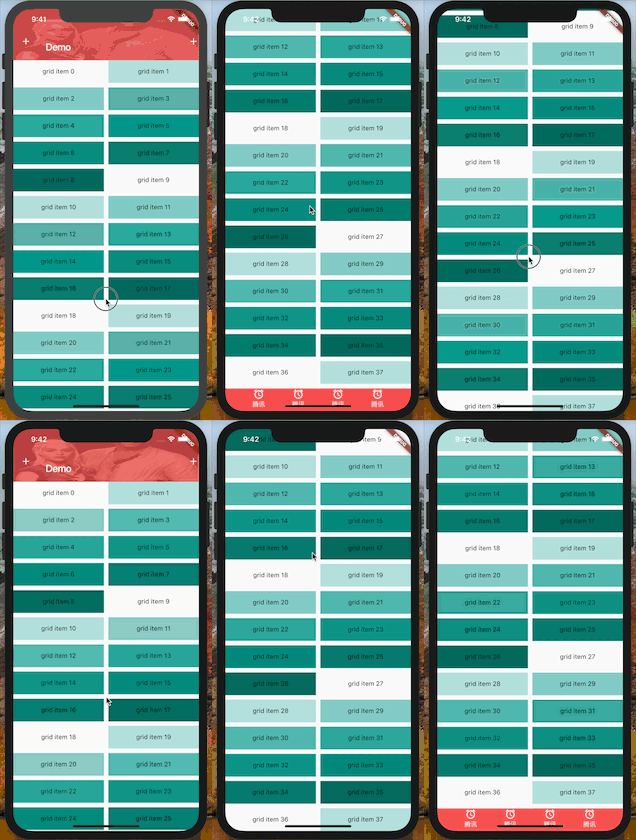
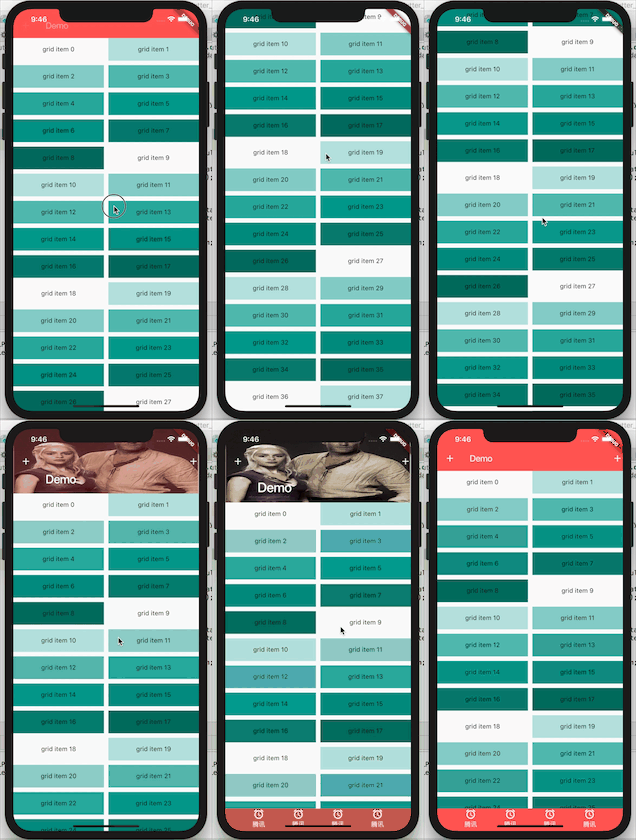
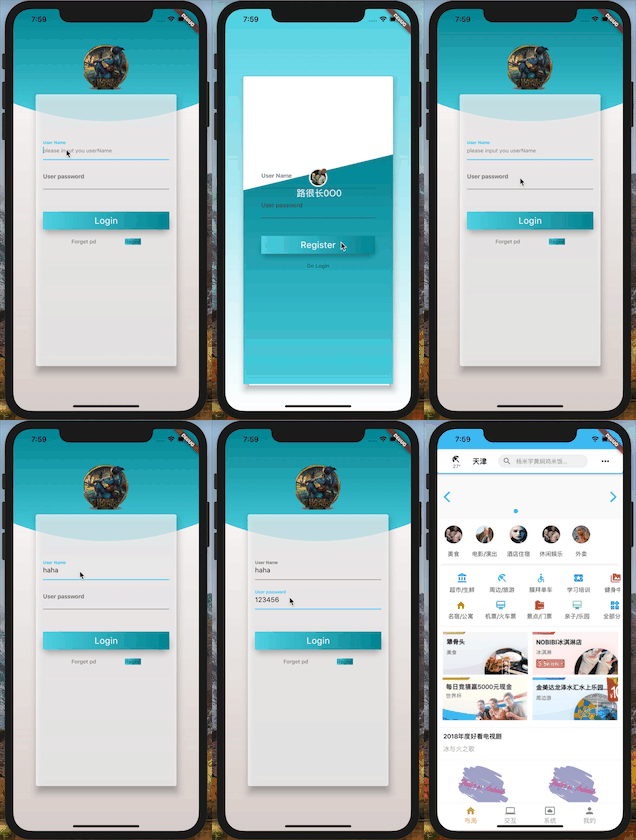
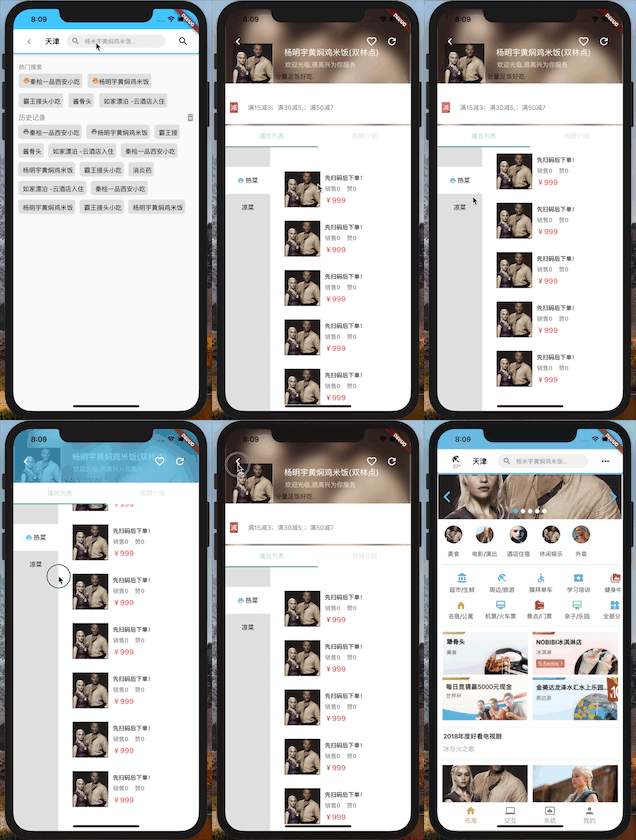
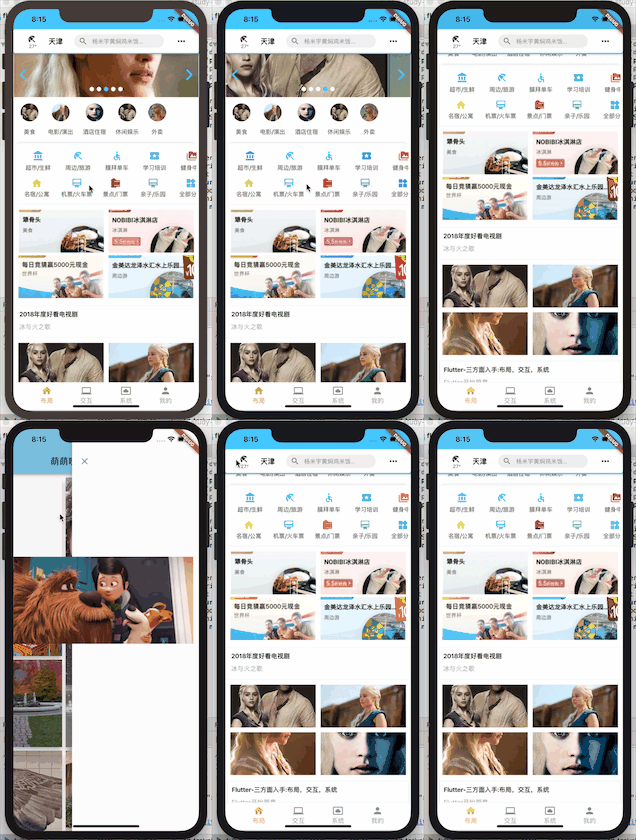
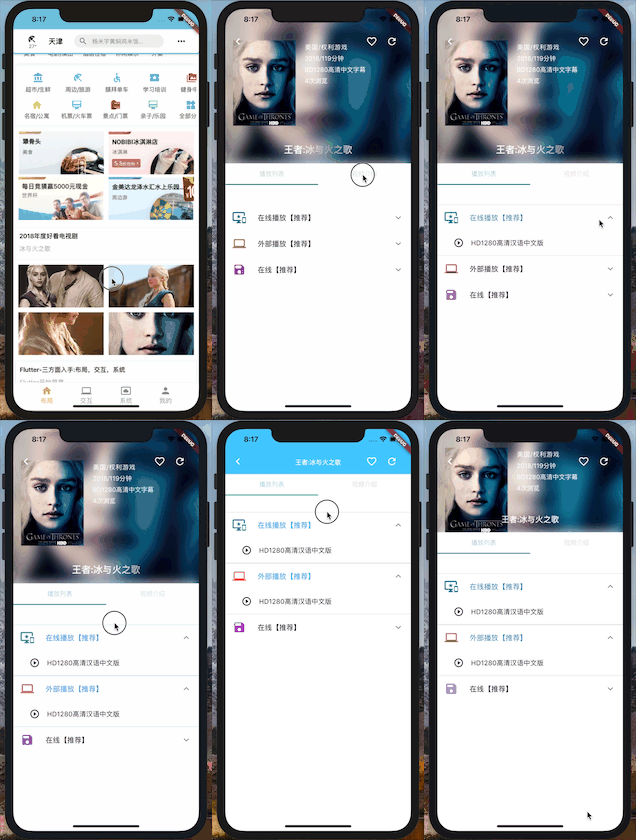
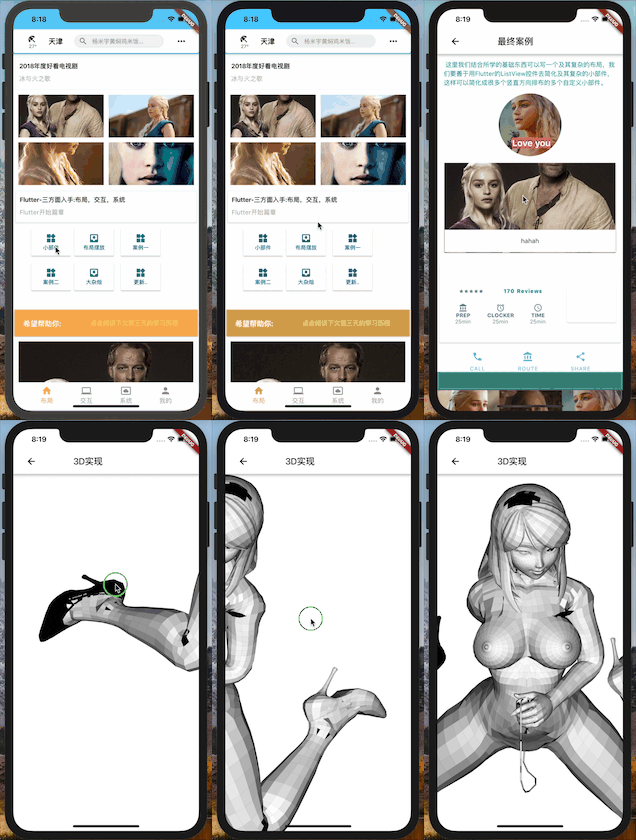
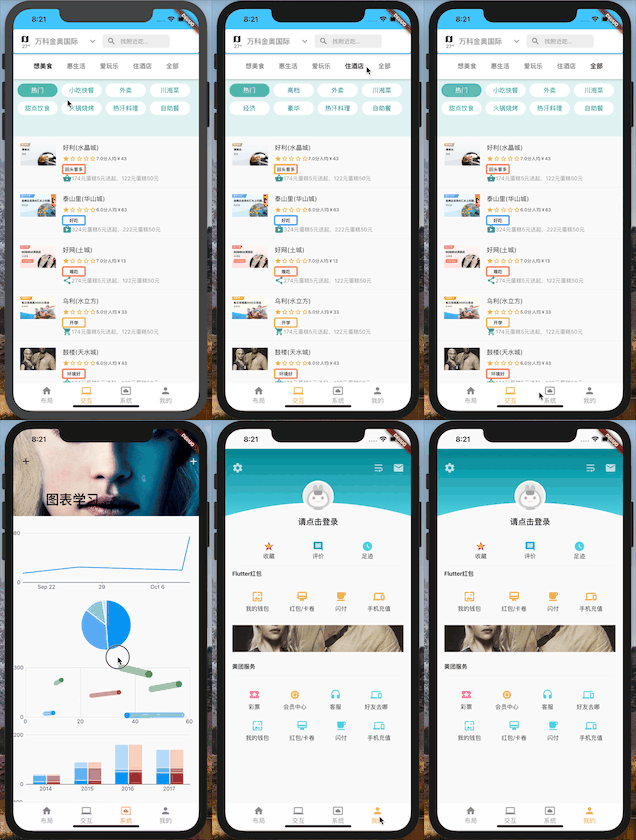
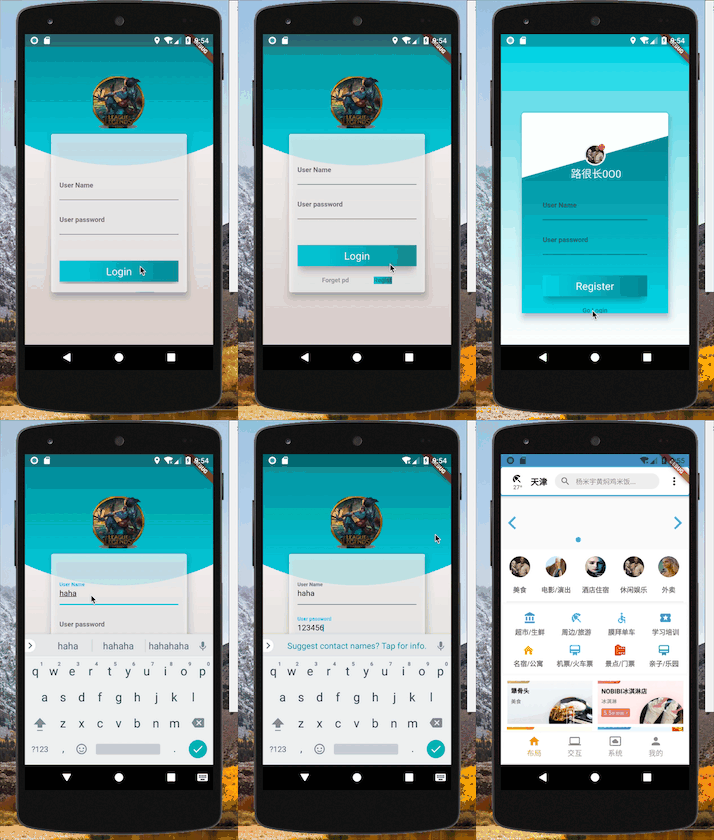
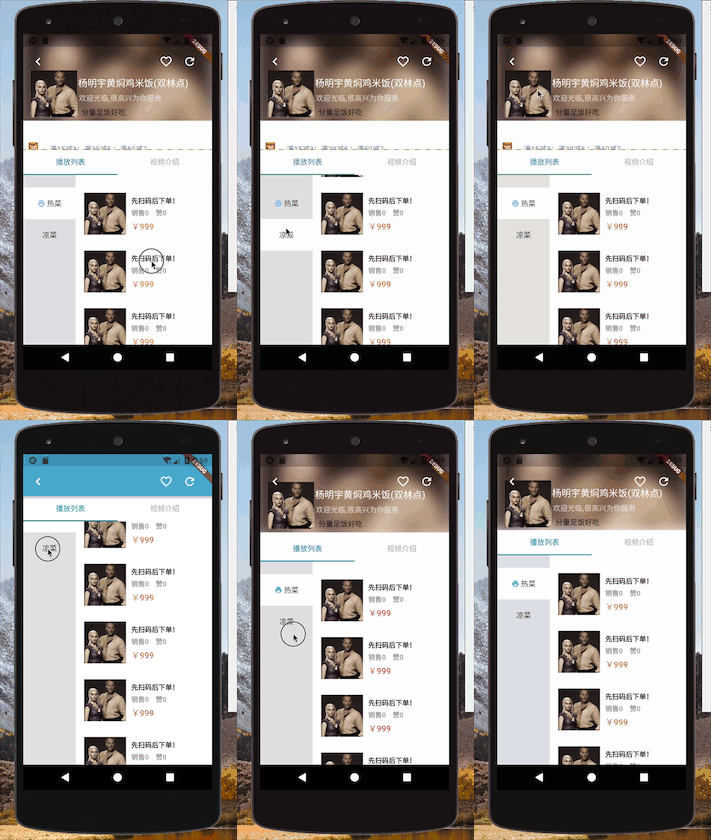
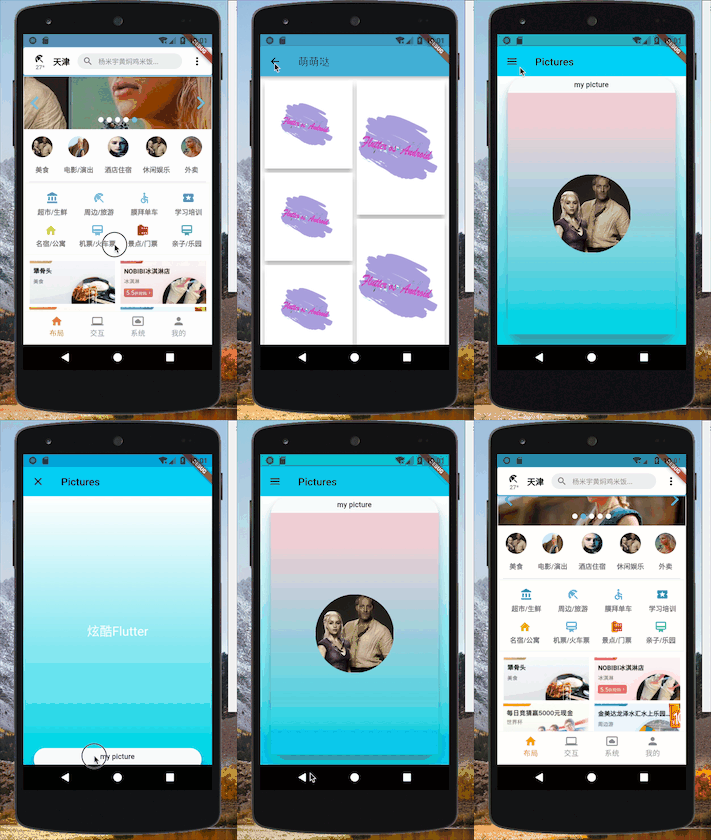
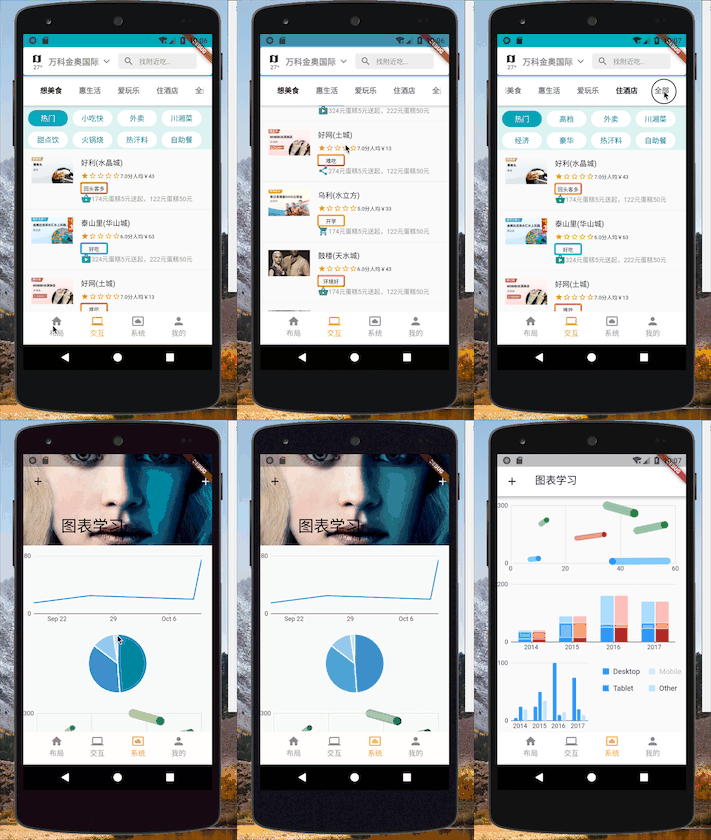
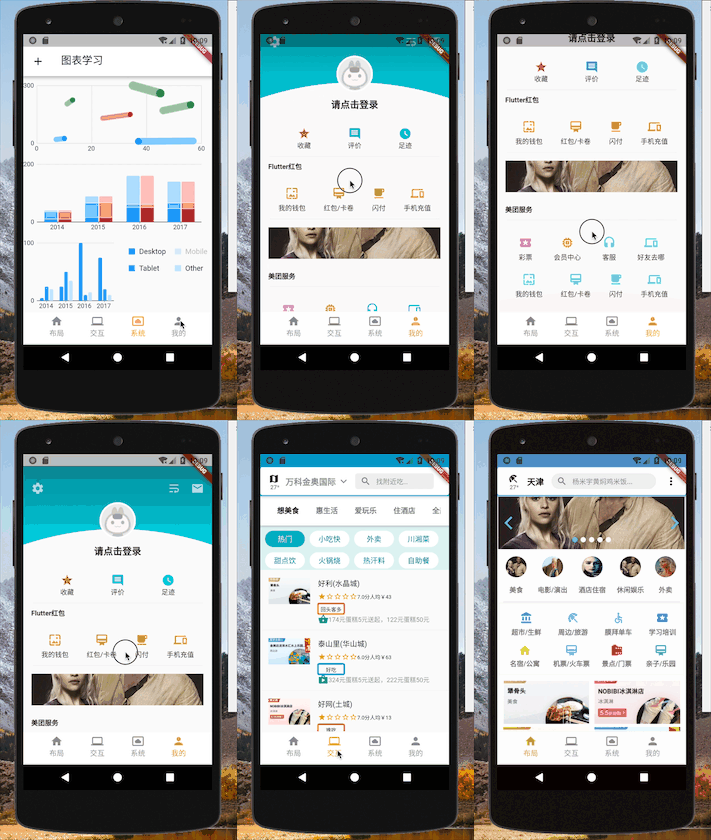
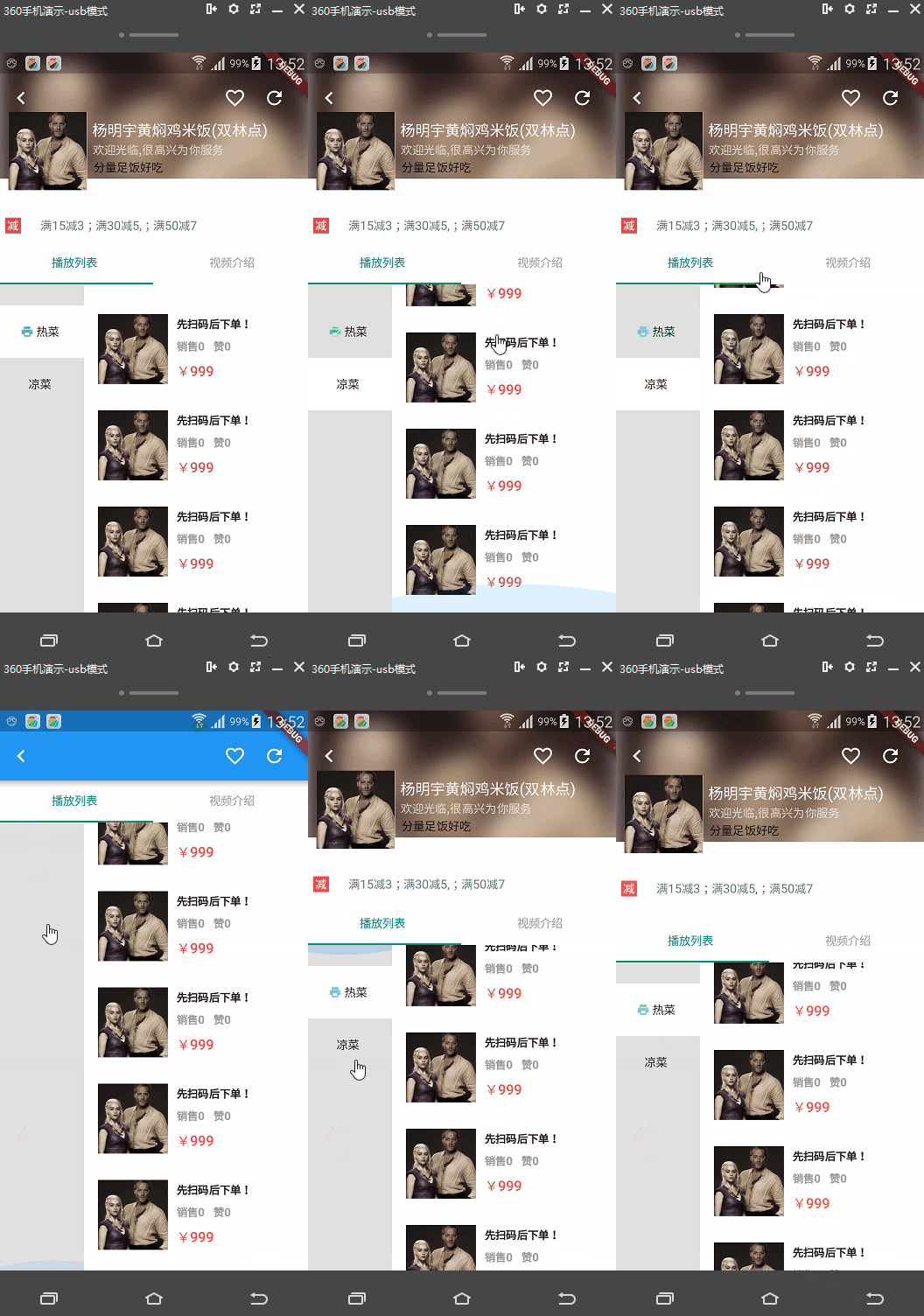
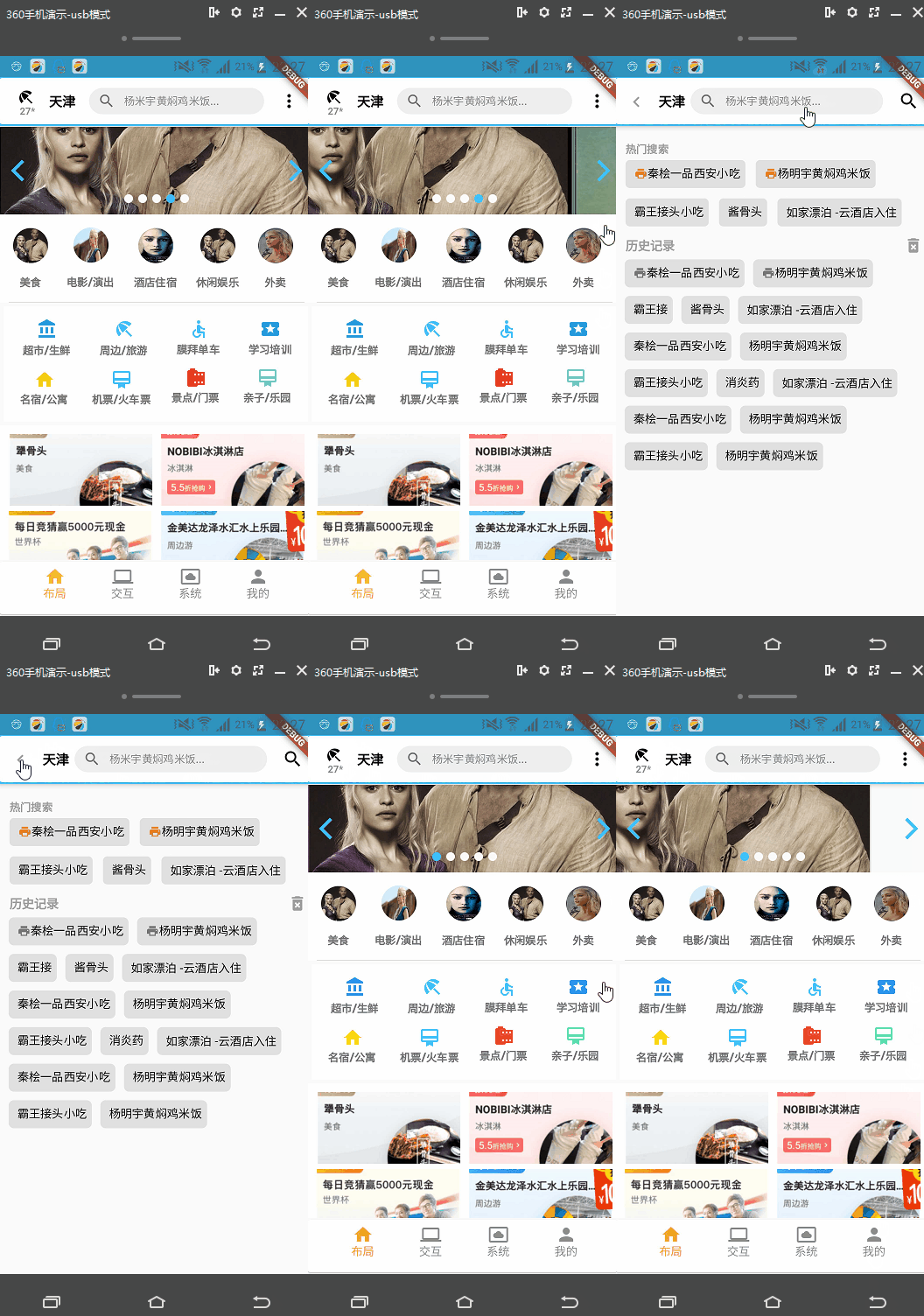
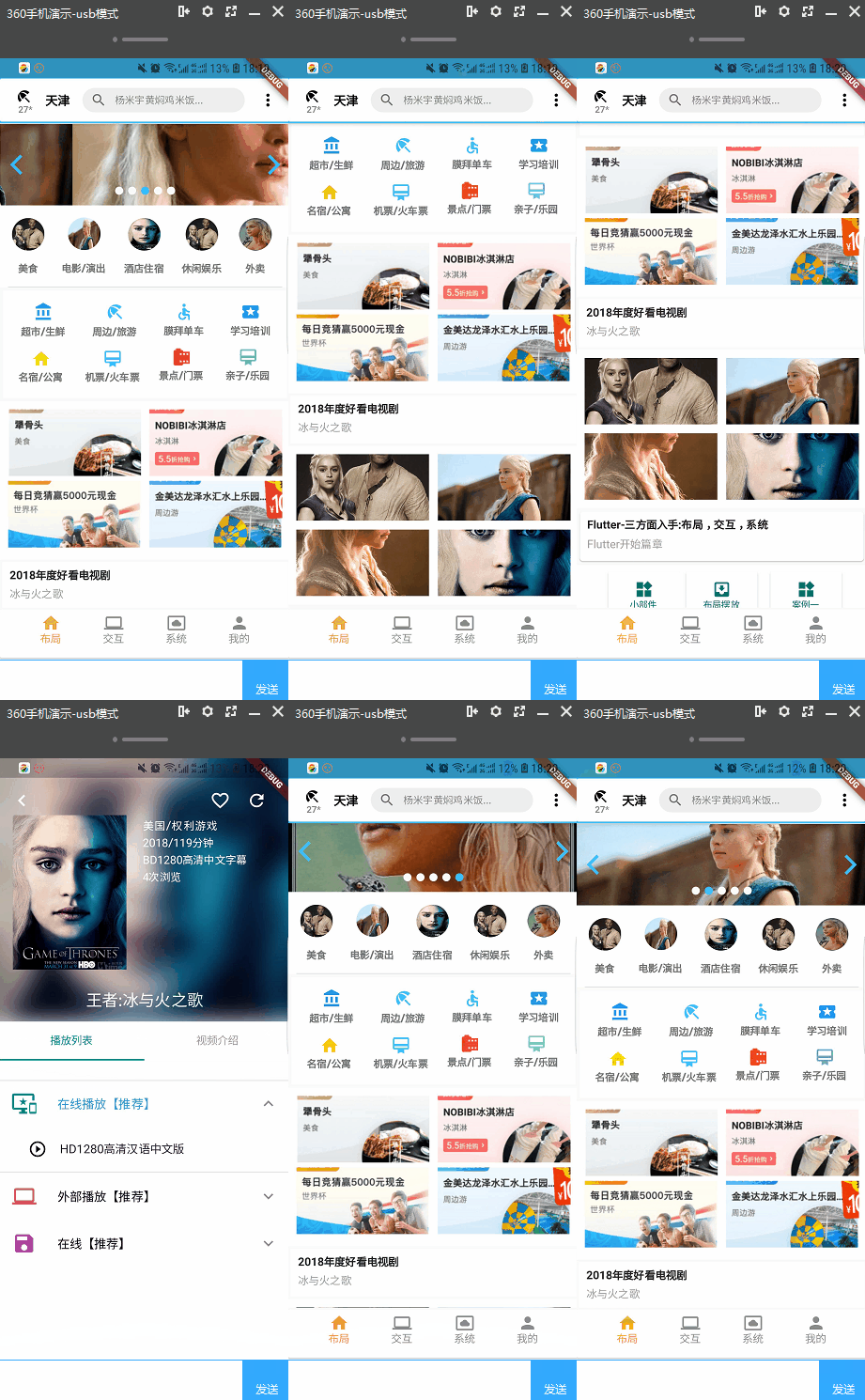
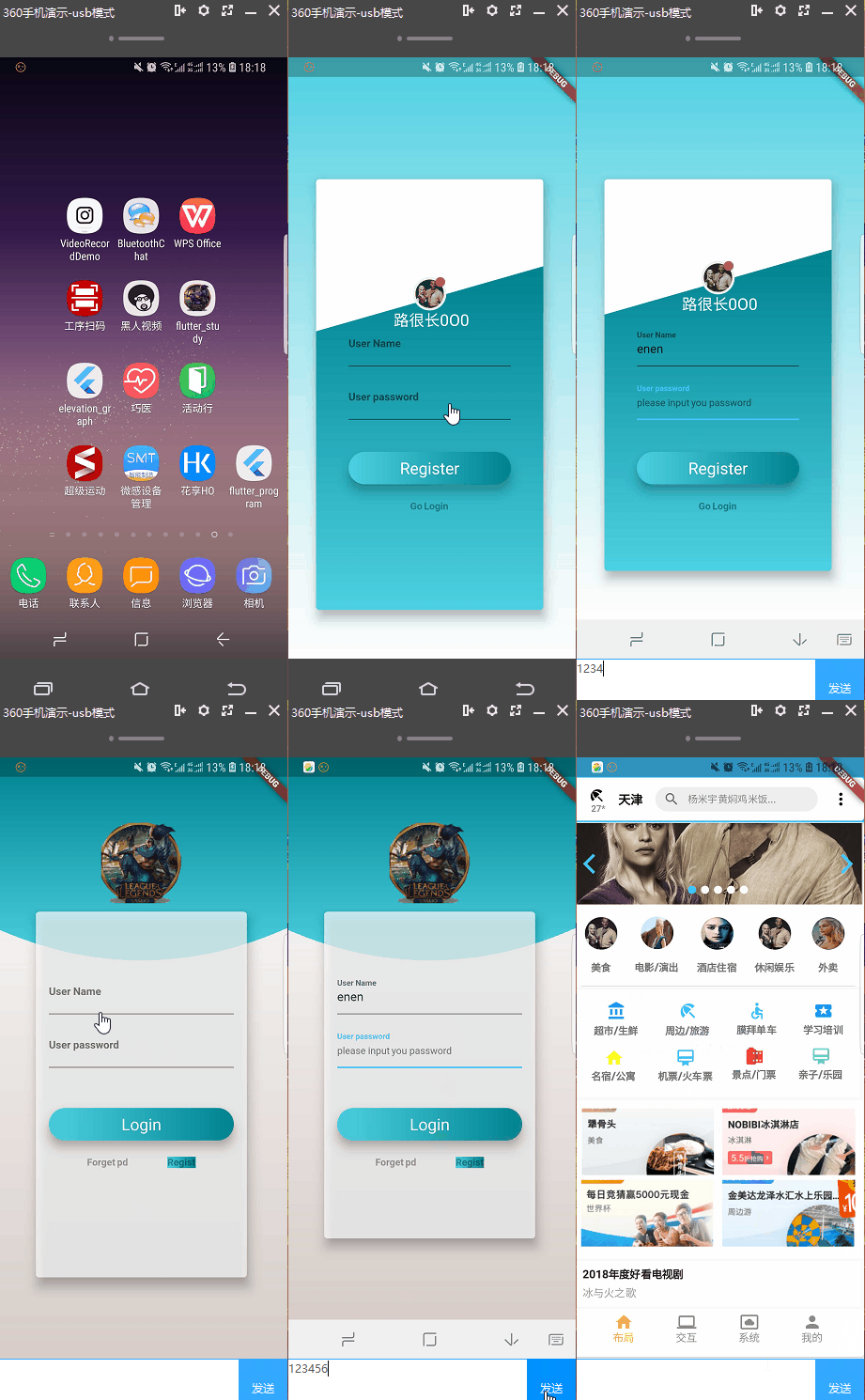
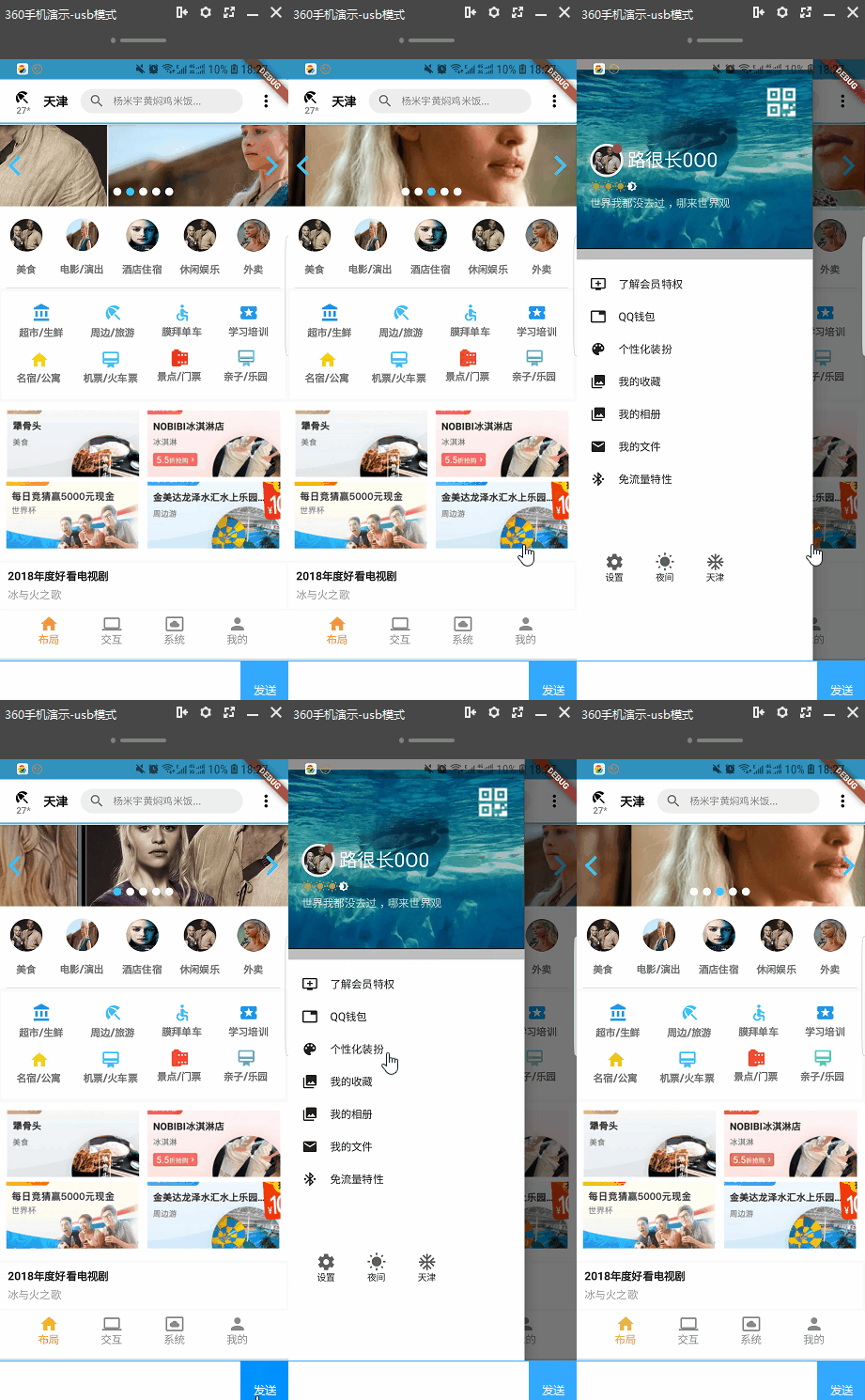
**Flutter学习三天,一天写完Demo:一有时间后面会持续更新的哦** **2019年,3月份写了一周多了,也就下班写,这个项目按小时计费:效果图如下。如果有需求带同学可以加我qq一起探讨** ![image](https://github.com/luhenchang/IMAGE/blob/master/home11.png?raw=true)! ![image](https://github.com/luhenchang/IMAGE/blob/master/home12.png?raw=true)! ![image](https://github.com/luhenchang/IMAGE/blob/master/home13.png?raw=true)! ![image](https://github.com/luhenchang/IMAGE/blob/master/home14.png?raw=true)! ![image](https://github.com/luhenchang/IMAGE/blob/master/home15.png?raw=true)! ![image](https://github.com/luhenchang/IMAGE/blob/master/home16.png?raw=true)! ![image](https://github.com/luhenchang/IMAGE/blob/master/home17.png?raw=true)! ![image](https://github.com/luhenchang/IMAGE/blob/master/home18.png?raw=true)! ![image](https://github.com/luhenchang/IMAGE/blob/master/home19.png?raw=true)! **2018年,10.10日最近接了一个项目可以提供相关页面,遇到困难的萌新可以一起谈论交流。** ![image](https://github.com/luhenchang/IMAGE/blob/master/app/src/main/res/drawable/program_ios0.gif?raw=true)! ![image](https://github.com/luhenchang/IMAGE/blob/master/program_ios1.gif?raw=true)! ![image](https://github.com/luhenchang/IMAGE/blob/master/program_ios2.gif?raw=true)! ![image](https://github.com/luhenchang/IMAGE/blob/master/program_ios3.gif?raw=true)! ![image](https://github.com/luhenchang/IMAGE/blob/master/program_ios4.gif?raw=true)! ![image](https://github.com/luhenchang/IMAGE/blob/master/program_ios5.gif?raw=true)! **2018年,10.08日对于滑动控制监听滑动高度和结束开始等。来进行效果的实现。** ![image](https://github.com/luhenchang/IMAGE/blob/master/app/src/main/res/drawable/ios_scrollLisenner.gif?raw=true)! ![image](https://github.com/luhenchang/IMAGE/blob/master/app/src/main/res/drawable/ios_scrollnotify.gif?raw=true)! **2018年,9.03最近没时间玩flutter了,今天在mac安装好了环境,并在iphone运行了** ![image](https://github.com/luhenchang/IMAGE/blob/master/app/src/main/res/drawable/ios1.gif?raw=true)! ![image](https://github.com/luhenchang/IMAGE/blob/master/app/src/main/res/drawable/ios2.gif?raw=true)! ![image](https://github.com/luhenchang/IMAGE/blob/master/app/src/main/res/drawable/ios3.gif?raw=true)! ![image](https://github.com/luhenchang/IMAGE/blob/master/app/src/main/res/drawable/ios4.gif?raw=true)! ![image](https://github.com/luhenchang/IMAGE/blob/master/app/src/main/res/drawable/ios5.gif?raw=true)! ![image](https://github.com/luhenchang/IMAGE/blob/master/app/src/main/res/drawable/ios6.gif?raw=true)! ![image](https://github.com/luhenchang/IMAGE/blob/master/app/src/main/res/drawable/android10.gif?raw=true)! **2018年,9.03下面是部分android模拟器上面的gif图片 ![image](https://github.com/luhenchang/IMAGE/blob/master/app/src/main/res/drawable/android1.gif?raw=true)! ![image](https://github.com/luhenchang/IMAGE/blob/master/app/src/main/res/drawable/android2.gif?raw=true)! ![image](https://github.com/luhenchang/IMAGE/blob/master/app/src/main/res/drawable/android3.gif?raw=true)! ![image](https://github.com/luhenchang/IMAGE/blob/master/app/src/main/res/drawable/andoid4.gif?raw=true)! ![image](https://github.com/luhenchang/IMAGE/blob/master/app/src/main/res/drawable/android5.gif?raw=true)! ![image](https://github.com/luhenchang/IMAGE/blob/master/app/src/main/res/drawable/android6.gif?raw=true)! ![image](https://github.com/luhenchang/IMAGE/blob/master/app/src/main/res/drawable/android7.gif?raw=true)! ![image](https://github.com/luhenchang/IMAGE/blob/master/app/src/main/res/drawable/android8.gif?raw=true)! ![image](https://github.com/luhenchang/IMAGE/blob/master/app/src/main/res/drawable/android9.gif?raw=true)! ![image](https://github.com/luhenchang/IMAGE/blob/master/app/src/main/res/drawable/android10.gif?raw=true)! **2018年,8.20好久没写Flutter了,写了个各大点餐平台的类表滑动炫酷界面,希望对你有所帮助** 项目下面->lib->test->MeiTuanShopping.dart ![image](https://github.com/luhenchang/IMAGE/blob/master/app/src/main/res/drawable/shoopper.gif?raw=true)! **2018年,8.5没事干,花了一小时实现了大家比较期待的吸附效果和视频播放,希望对你有所帮助** 项目下面->lib->test->SlivScrollListViewTabLayout.dart ![image](https://github.com/luhenchang/IMAGE/blob/master/app/src/main/res/drawable/eseeyss1112.gif?raw=true)!![image](https://github.com/luhenchang/IMAGE/blob/master/app/src/main/res/drawable/%E9%A6%96%E9%A1%B5%E4%B8%80%E9%83%A8%E5%88%86.gif?raw=true)! **2018年,8.1下班没事干,花了一小时实现了比较炫酷的界面** **2018年,7月31没事干写了个比较好看的登录注册:** ![image](https://github.com/luhenchang/IMAGE/blob/master/app/src/main/res/drawable/%E7%99%BB%E5%BD%951.gif?raw=true)! **2018年,7月24看着qq模仿了抽屉部件** ![image](https://github.com/luhenchang/IMAGE/blob/master/app/src/main/res/drawable/qq%E8%85%BE%E8%AE%AF.gif?raw=true)![image](https://github.com/luhenchang/flutter_study/blob/master/images/%5D_2NQ%7D11H2ULR22S52LN0@R.png?raw=true) 在lib->flutter_view->view->MyDrawer里面,这里包裹如何将一个背景图片颜色通过设置color来调节亮度,以及圆型图边框,和stack的使用等,我相信看看我的代码就可以了。希望有所帮助。 **2018年,7月16没事干更新下Flutter对于3d的支持,我们自定义一个3d展示部件以及图标的绘制** 之所以区别于二维空间,三维(3d)具有向量,位置,体积,在Flutter里面我们可以发现提供了Vector3这个三维向量类:表示它具有位置,方向,欧拉角信息,和某些向量函数等,大学学过3dmax这些建模,比较了解。我们知道一个三维物体,可以让人视觉产生不同于二维物体,是因为它具有体积(体积是由我们人的视觉所看到的),光线。而在手机这个二维界面里面我们能看出它的体积和三维这个就借助于Vector3可以创建一个摄像机提供给我们不同的视角。 二,在Flutter提供的Vector3上面我们自定义我们自己的3d视角小部件。 准备实现的需求: 1.Vector3给我们提供了具有方向性的照相机和灯光.,用来不同的视角看3d。 2.CustomPaint提供了可以进行在Canvas画布上面进行绘制我们的显示。 3.GestureDetector提供我们在屏幕上的手势拖缀来给变和刷新我们3d图像。 ![image](https://github.com/luhenchang/IMAGE/blob/master/app/src/main/res/drawable/3D.png?raw=true)![image](https://github.com/luhenchang/flutter_study/blob/master/images/flutter_chart.gif?raw=true) [博客地址:](https://blog.csdn.net/m0_37667770/article/details/81042916). **2018年,7月11日下班晚,搞定美团我的界面有自定义部分主要讲解了** ![image](https://github.com/luhenchang/flutter_study/blob/master/images/bbb.jpg?raw=true) ![image](https://github.com/luhenchang/flutter_study/blob/master/images/bba.jpg?raw=true) ![image](https://github.com/luhenchang/flutter_study/blob/master/images/bbc.jpg?raw=true) [博客地址](https://blog.csdn.net/m0_37667770/article/details/80993571). 如何实现各种弧度或者自定义效果的窗体布局: class ArcClipper extends CustomClipper { @override Path getClip(Size size) { var path = Path(); path.lineTo(0.0, size.height); var firstControlPoint = Offset(size.width / 4, size.height - 30); var firstPoint = Offset(size.width / 2, size.height - 30); path.quadraticBezierTo(firstControlPoint.dx, firstControlPoint.dy, firstPoint.dx, firstPoint.dy); var secondControlPoint = Offset(size.width - (size.width / 4), size.height - 30); var secondPoint = Offset(size.width, size.height); path.quadraticBezierTo(secondControlPoint.dx, secondControlPoint.dy, secondPoint.dx, secondPoint.dy); path.lineTo(size.width, 0.0); path.close(); return path; } **2018年,7月9日晚上更新** 下班没事干,游戏就搁一边,写了一个多小时的界面,模仿美团,搞定了这两个界面,后面地图,定位这些会慢慢更新的。这个界面提供了如何用Dart创建类,然后给集合添加数据,并动态赋值给列表控件等。目录在flutter_intent->modle(这里面是类)->SecondPager和SecondPagerFragment是第二界面。ShopingListPager是二界面滑动的每个列表页面。 ![image](https://github.com/luhenchang/flutter_study/blob/master/images/2323.png?raw=true) 首页完善了下面的列表。 ![image](https://github.com/luhenchang/flutter_study/blob/master/images/2121.png?raw=true) **2018年,7月9日更新** **登录和首页改变** 一,添加了登录界面,这里登录密码和手机号,都是123456,点击登录进入主页。 ![image](https://github.com/luhenchang/flutter_study/blob/master/images/genxin2.png?raw=true) 二,主页面根据美团来写的。目前有时间会一直更新的。轮播图,列表嵌套等。 ![image](https://github.com/luhenchang/flutter_study/blob/master/images/genxin1.png?raw=true) 项目会一直完善的,我github上传失败了,改天上传希望可以帮助你学习。有什么意见和建议的多多留言,我会尽自己最大的可能提供帮助。 哇哦这个会更新么? ## Getting Started 博客更新地址希望大家可以随时提出意见,我会改进的 [博客地址](https://blog.csdn.net/m0_37667770/article/details/80903890).